




Your artwork, ready for screen printing
Order a pre-burned aluminum silk screen frame prepared with your own single-color artwork. Choose a frame size and mesh count, then upload your design and specify its final printed dimensions.
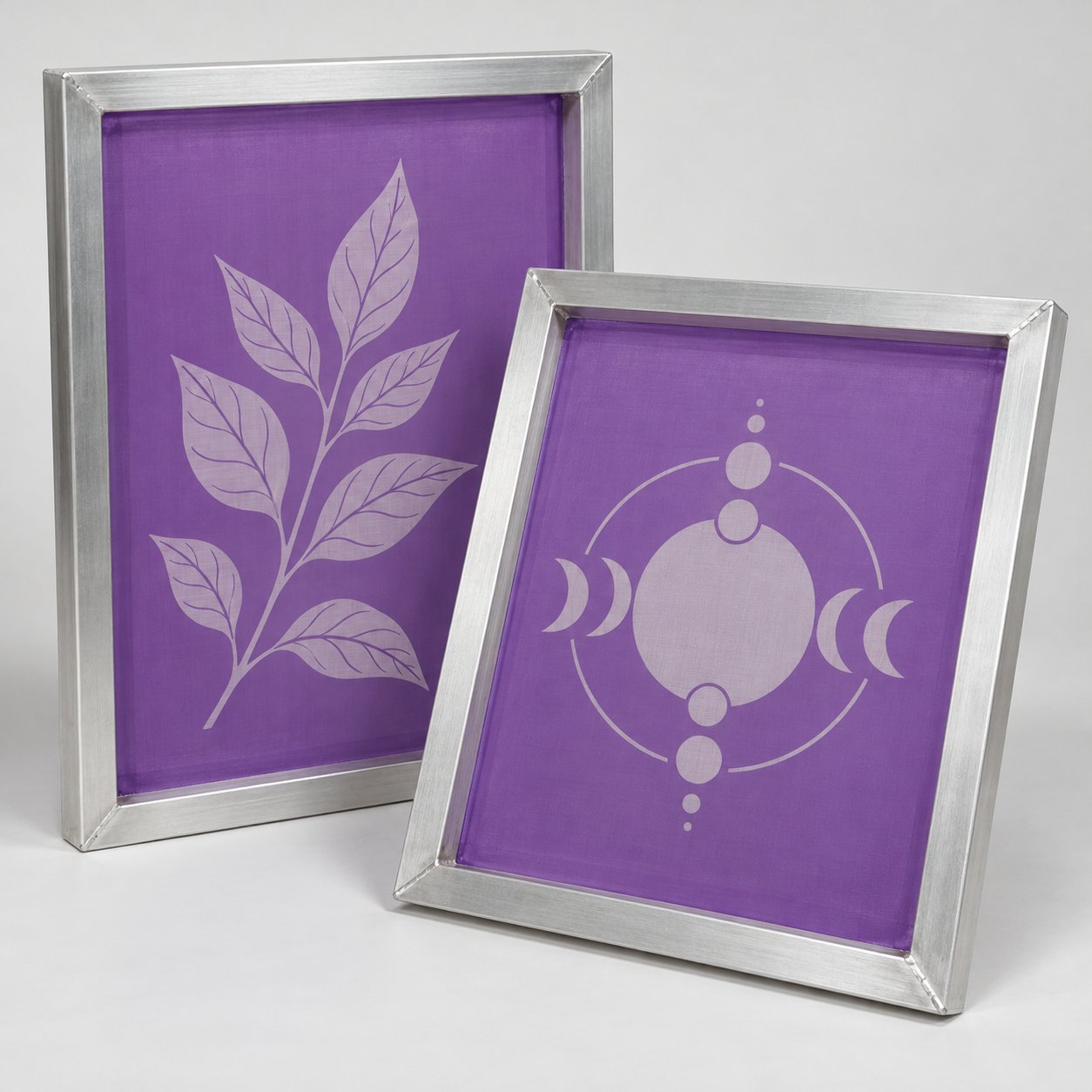
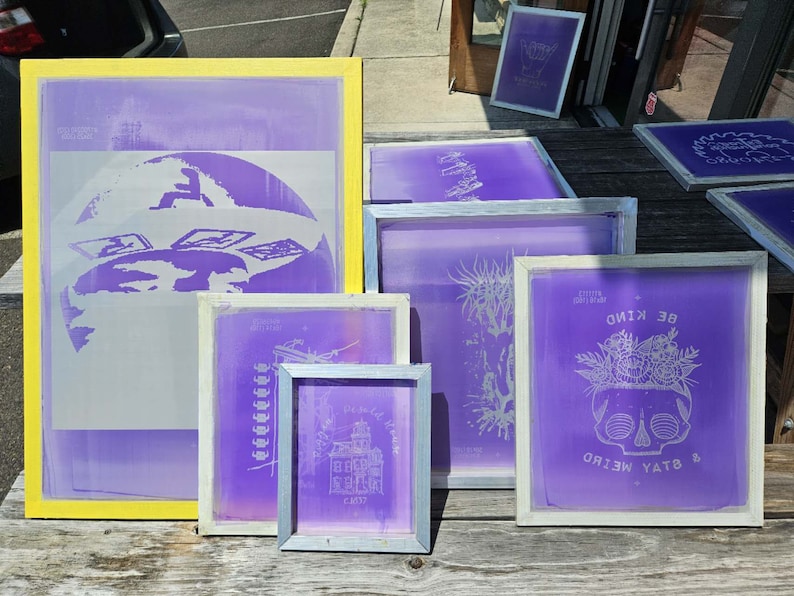
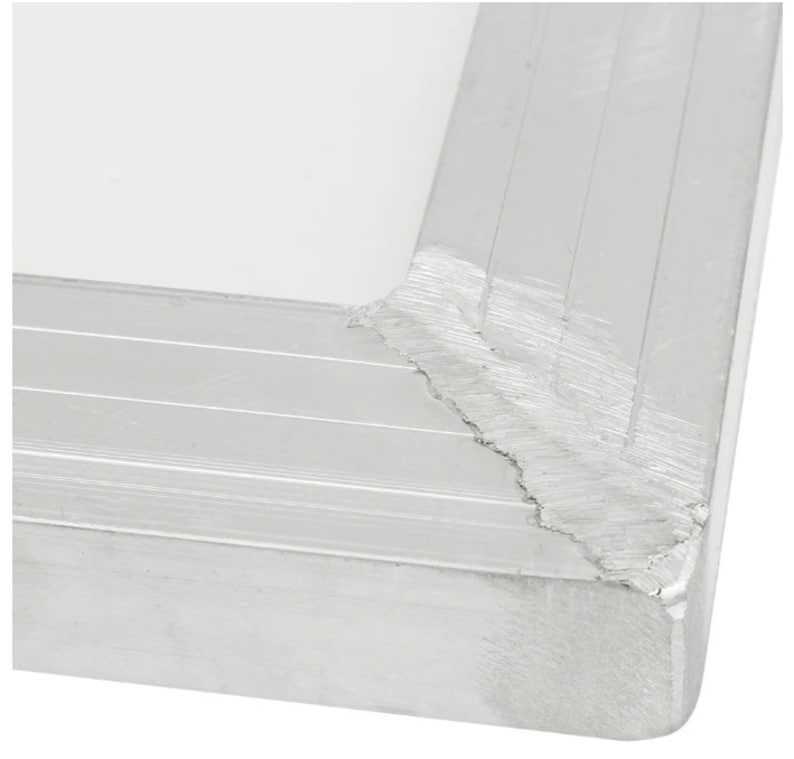
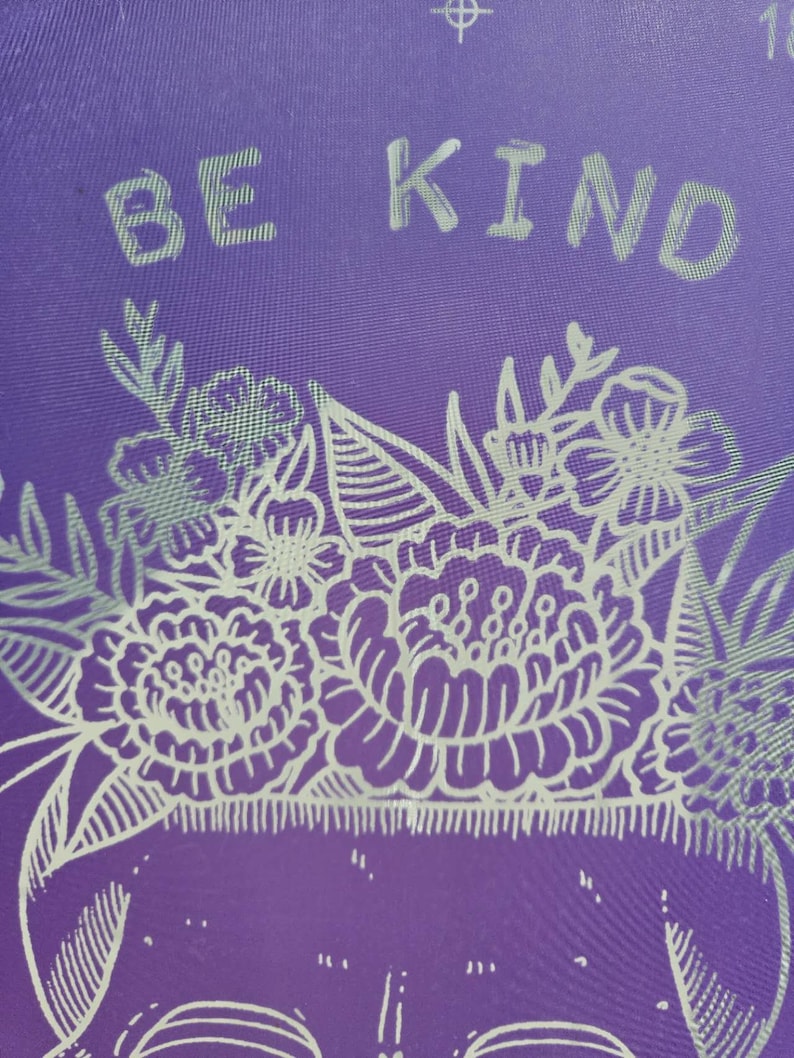
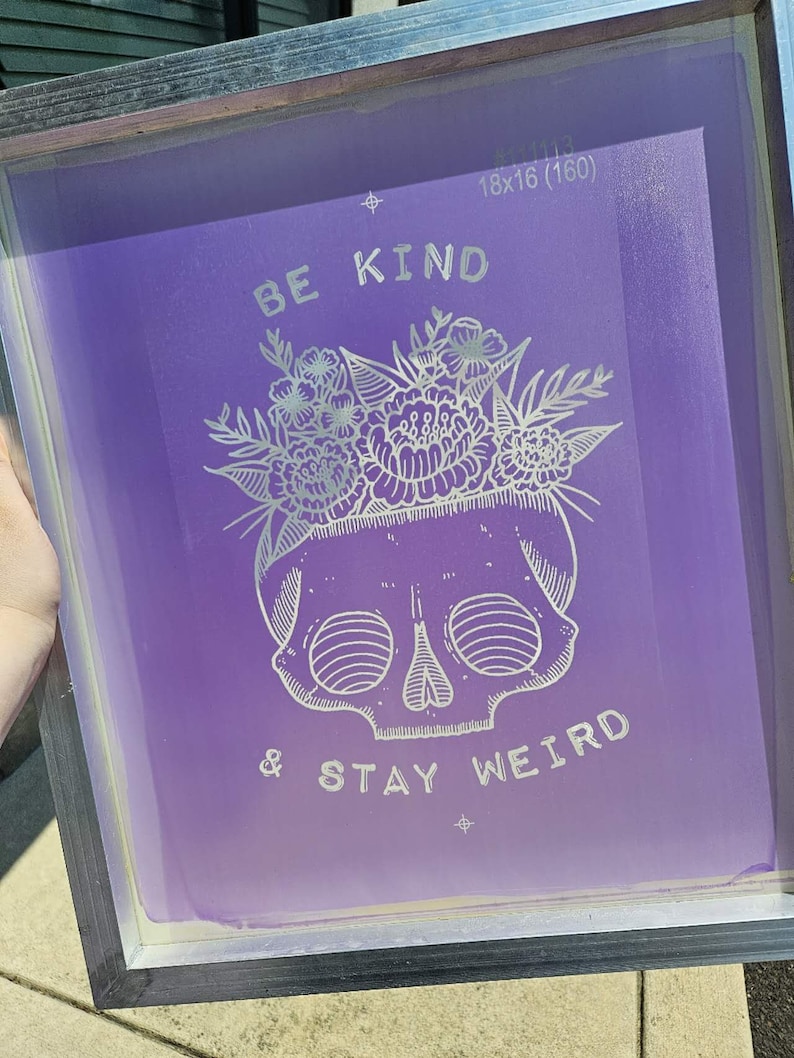
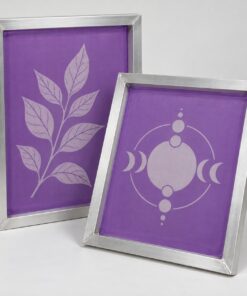
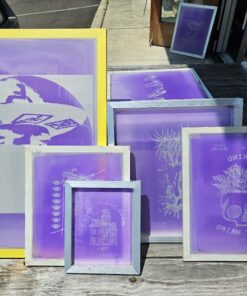
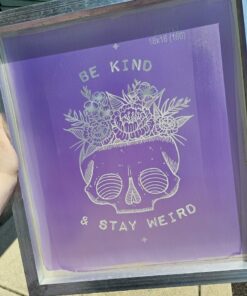
Each unit is one custom pre-burned frame. Photos show illustrative designs; your frame is prepared with your submitted artwork. Ink, squeegees and printing equipment are sold separately.
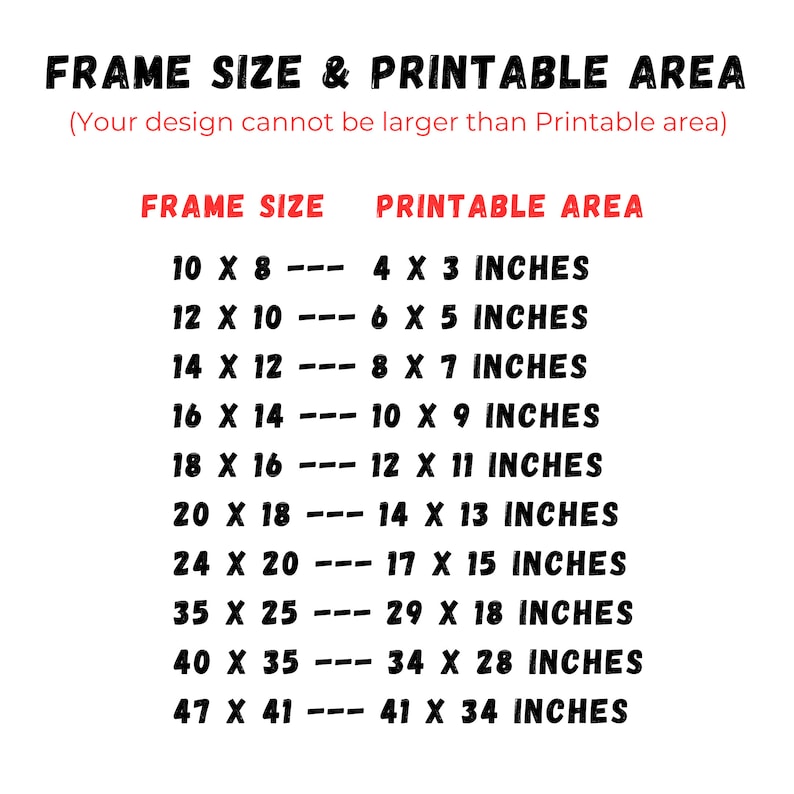
Frame size and maximum design area
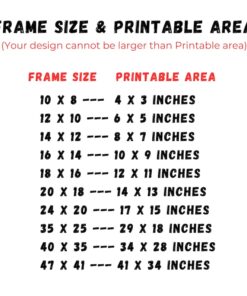
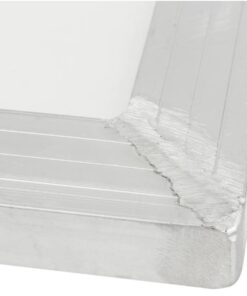
Frame size is the outside measurement, not the printable area. All measurements below are in inches.
| Outer frame | Maximum design area |
|---|---|
| 12 × 10″ | 6 × 5″ |
| 14 × 12″ | 8 × 7″ |
| 16 × 14″ | 10 × 9″ |
| 18 × 16″ | 12 × 11″ |
| 20 × 18″ | 14 × 13″ |
| 24 × 20″ | 17 × 15″ |
| 35 × 25″ | 29 × 18″ |
| 40 × 35″ | 34 × 28″ |
| 47 × 41″ | 41 × 34″ |
Mesh selection
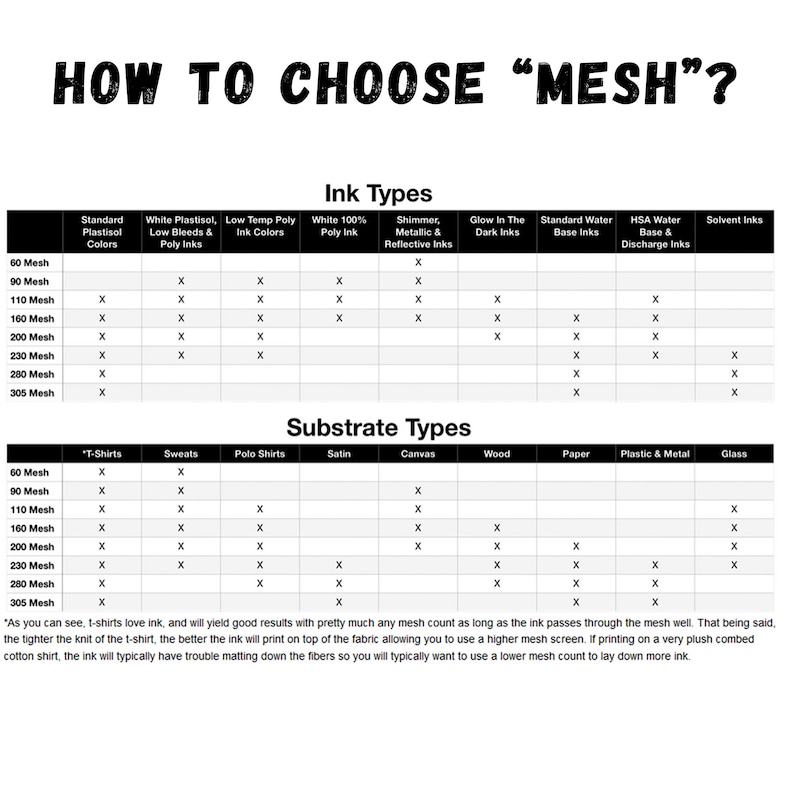
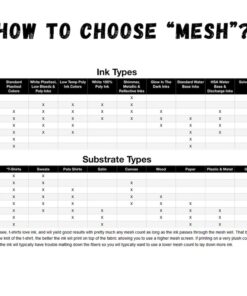
- 110 / 160 mesh: starting choices for shirts and fabrics.
- 200 mesh: starting choice for paper and boxes.
- 300 / 350 mesh: fine-mesh choices for glass, metal and acrylic applications.
Choose ink suitable for the surface and mesh. The screen can be used with appropriate water-based or plastisol screen-printing ink; plastisol requires compatible cleaning products.
Artwork preparation
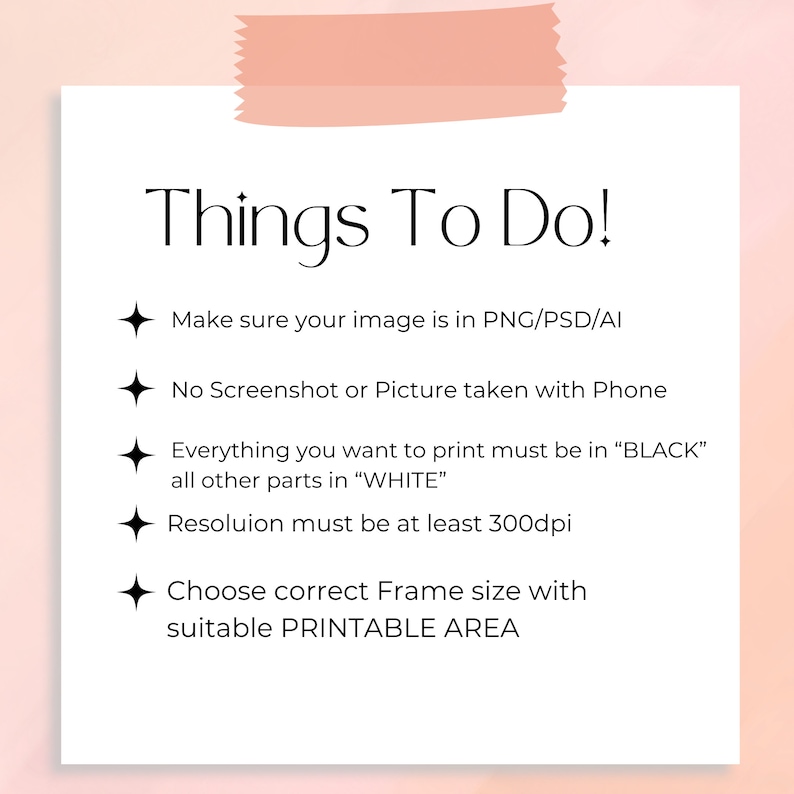
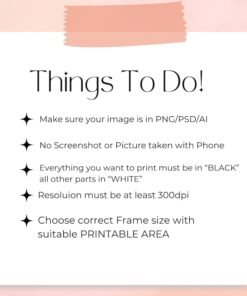
- Submit high-contrast black-and-white artwork. Black areas identify where ink should print; white areas remain unprinted.
- Use an original PNG, JPG, PDF, AI or PSD file. Raster artwork should be at least 300 dpi at final print size. Avoid screenshots or phone photos of artwork.
- Enter the final design width and height in inches. Your design must fit within the selected screen’s maximum design area.
- This listing prepares a single-color stencil. Multicolor printing requires separate artwork and a separate screen for each color.
How to order
- Select your outer frame size and mesh count.
- Upload your artwork and enter its final dimensions.
- Select quantity and add to cart. Quantity is the number of frames prepared with the same uploaded artwork.
| Frame Size | 12 x 10 inches, 14 x 12 inches, 16 x 14 inches, 18 x 16 inches, 20 x 18 inches, 24 x 20 inches, 35 x 25 inches, 40 x 35 inches, 47 x 41 inches |
|---|---|
| Mesh Count | 110 mesh, 160 mesh, 200 mesh, 300 mesh, 350 mesh |
Reviews
There are no reviews yet.