







Two-sided fabric artwork
Create a fabric banner with artwork for both sides, keeping the orientation and placement clear in the supplied files. The starting configuration is 1 × 1 ft.
Plan the artwork and display
Ask about opacity for the lighting behind the display. Separate print-side selection from hanging options, and confirm that pockets or stitched edges suit the intended support.
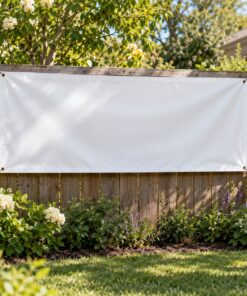
Product images are illustrative generated scenes.
Sizes and production options
| Size (W × H, ft) | 1 x 1; 2 x 2; 3 x 2; 3 x 4; 4 x 6; 4 x 8; Custom Size |
|---|---|
| Two Sided | Yes |
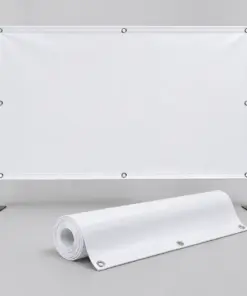
| Hanging Options | Top pole pocket; Top and Bottom pole pocket; Left and Right pole pocket; No Grommets; Metal Grommets with Stitched Edges |
Sizes are width × height in feet. For Custom Size, enter width and height separately; 1 foot equals 12 inches. The price updates for the dimensions and quantity you enter.
Price and artwork
The configuration price includes the options currently selected. Changing the size, print sides, finishing or quantity can change the unit price and order total. Check the updated total before ordering. Shipping and applicable tax are calculated separately.
Prepare your artwork to match the selected width and height. Keep important text and logos clear of hems, pockets and other finishing areas. For double-sided printing, identify the front and back artwork clearly. Check the artwork dimensions against your selected configuration.
Prepare both reading directions
Create two clearly named artwork files, even when both sides carry the same message. State which edge is the top and how the banner will hang so the reverse is not unintentionally rotated. A corridor display may need different directional arrows on each face; copying the front layout is not always correct. Check pockets or grommet positions against the actual support and leave the corresponding artwork clearance. If visibility through the fabric is critical to the design, confirm the required opacity for this product before ordering. The listed square-foot rate applies to the small reference configuration, while the calculator gives the selected size and finishing total.














Reviews
There are no reviews yet.